Category: Guide
-
How to Let Your AI Chatbot Book Meetings with Google Calendar
Answering questions is good. Booking the meeting is better. With the Google Calendar integration for Easy-Peasy.AI Bots, your AI agent doesn’t just tell visitors how to schedule a call — it opens your calendar, offers real available time slots, and books the meeting right inside the chat. No back-and-forth emails, no scheduling links, no missed…
-
How to Connect Your AI Bot to 8,000+ Apps with Zapier
Your AI bot already answers questions on your website — but what if it could also work inside the 8,000+ apps your business runs on? With the Easy-Peasy.AI app on Zapier, your bot’s brain becomes a building block in any automated workflow: answer incoming WhatsApp messages, draft replies to support emails, respond to form submissions,…
-
How to Add an AI Chatbot to Your Webflow Site
You designed every pixel of your Webflow site — now give it a brain. With Easy-Peasy.AI Bots, you can add an AI chatbot to your Webflow website that answers visitor questions instantly, trained on your own content. It’s one script tag in your site’s custom code settings: paste, publish, done. No integrations marketplace, no backend,…
-

How to Add AI Live Chat to Your Squarespace Website
Squarespace makes beautiful websites — but a beautiful site that leaves questions unanswered still loses visitors. With Easy-Peasy.AI Bots, you can add AI live chat to your Squarespace website that answers instantly, 24/7, from your own content: your services, prices, policies, and FAQs. Setup is one copied snippet pasted into Squarespace’s Code Injection panel —…
-
How to Add an AI Chatbot to Your Slack Workspace
How much of your team’s Slack time goes to answering the same internal questions — where’s the expense policy, how do I reset my VPN, what’s the WiFi password in the Berlin office? With Easy-Peasy.AI Bots, you can drop an AI assistant into your Slack workspace that answers those questions instantly, from your own documentation.…
-
How to Add an AI Chatbot to Facebook Messenger
Millions of customers already message businesses on Facebook every day — the question is who answers, and how fast. With Easy-Peasy.AI Bots, your Facebook Page can reply instantly, 24/7, with answers drawn from your own knowledge base. The Messenger integration connects in one click with your Facebook login — no developer account, no app review,…
-
How to Create a Telegram AI Chatbot for Your Business (No Code)
Telegram is where a billion people already chat every day — and with Easy-Peasy.AI Bots, your business can be there too, answering questions automatically around the clock. In this guide you’ll create a Telegram AI chatbot trained on your own content, without writing a single line of code. The whole setup takes about three minutes:…
-
How to Add an AI Chatbot to Your Wix Website
Your Wix site already brings in visitors — but when they have a question at 11 PM, who answers? With Easy-Peasy.AI Bots, you can add an AI chatbot to your Wix website that knows your business and answers instantly, around the clock. Setup is genuinely simple: copy one line of code from your bot’s dashboard,…
-
How to Give Your AI Agent Its Own Email Address
What if every email your customers send got a helpful, accurate answer in under a minute — day or night, weekends included? With the Email integration for Easy-Peasy.AI Bots, your AI agent gets its own email address. Forward your support mailbox to it (or share the address directly), and the agent reads every incoming email…
-
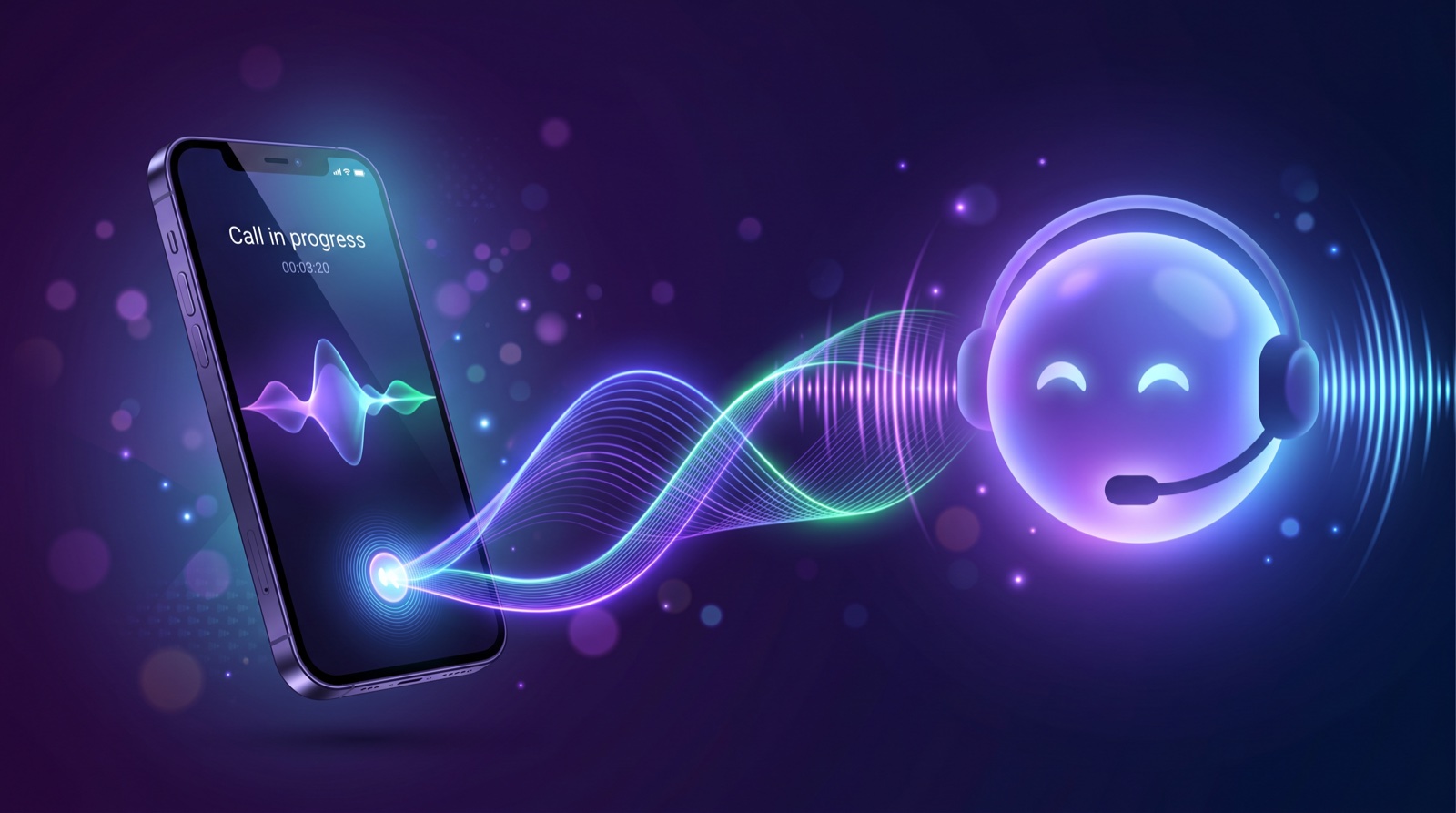
How to Connect Your AI Agent to Phone Calls with Twilio
Let customers call your AI agent. This step-by-step guide shows how to connect a Twilio phone number to your Easy-Peasy.AI bot in minutes.